Lithos MR
Mixed Reality for Geology — reimagining how we explore rocks, fossils, and landscapes through intelligent, adaptive interfaces.
Usability Testing
Speculative Design

Objective
1
What if fossils found you?
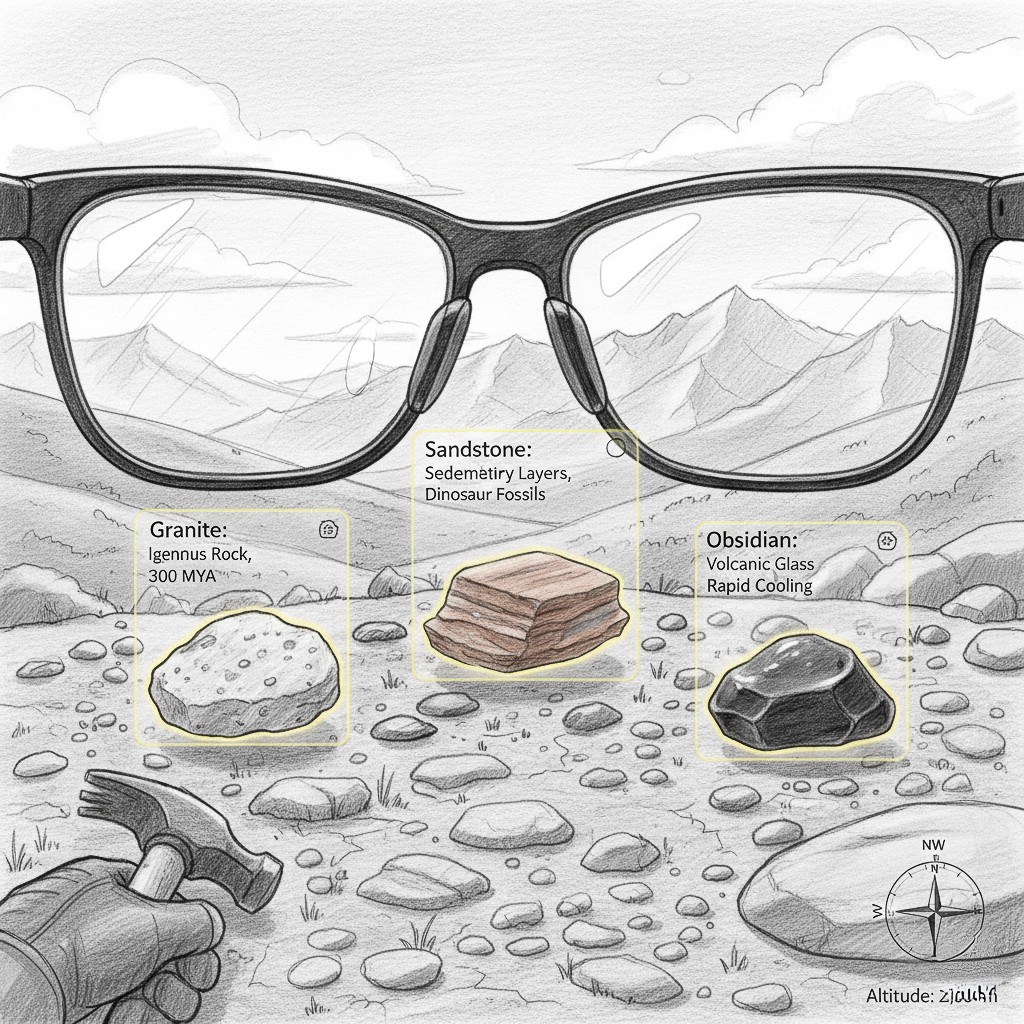
Turn outdoor exploration into an interactive classroom—scanning and identifying rocks, fossils, and formations in real time, while delivering context-rich, location-specific insights.
2
Testing for usability
Developed a concept, the core aim was to conceptualize a forward-looking idea while practicing usability testing through heuristics, user studies, and questionnaires.
Design process
Conceptualize
Design
Heuristics
Improvements
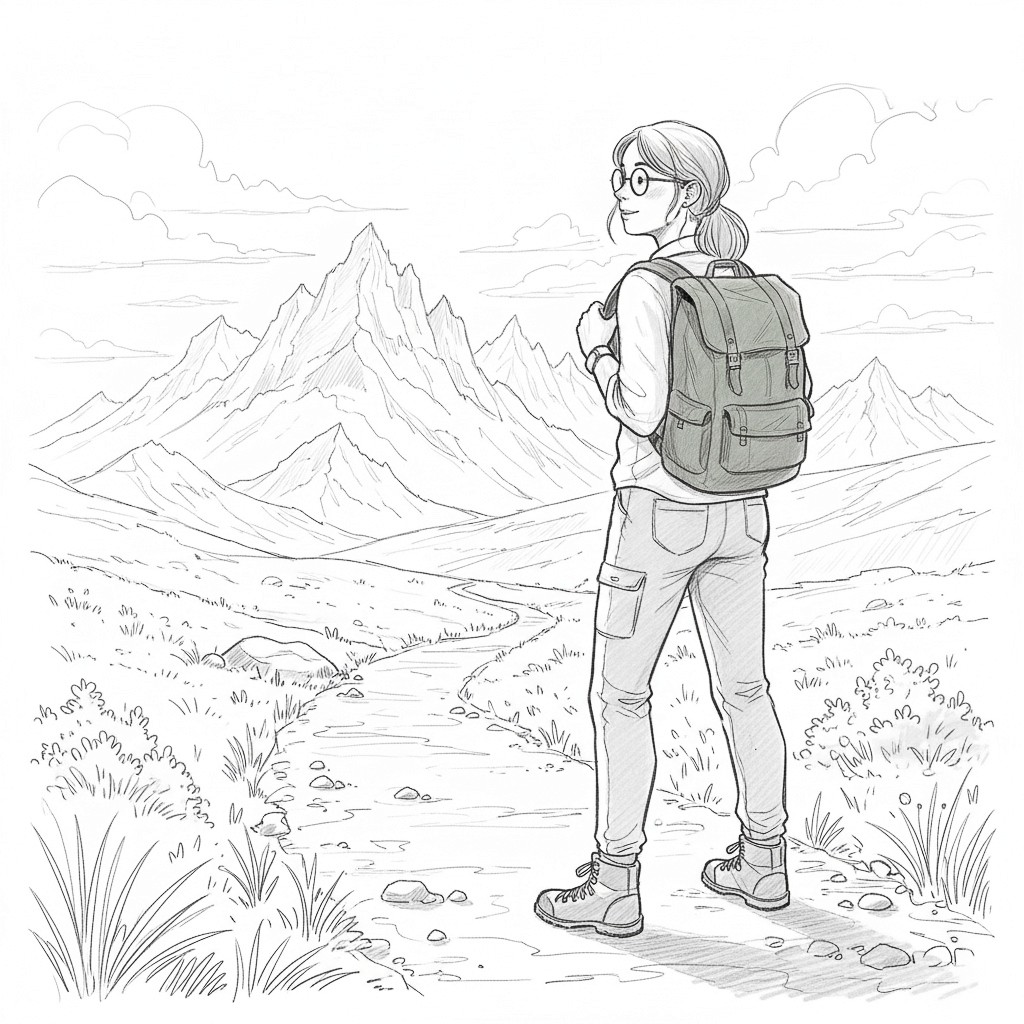
User scenario

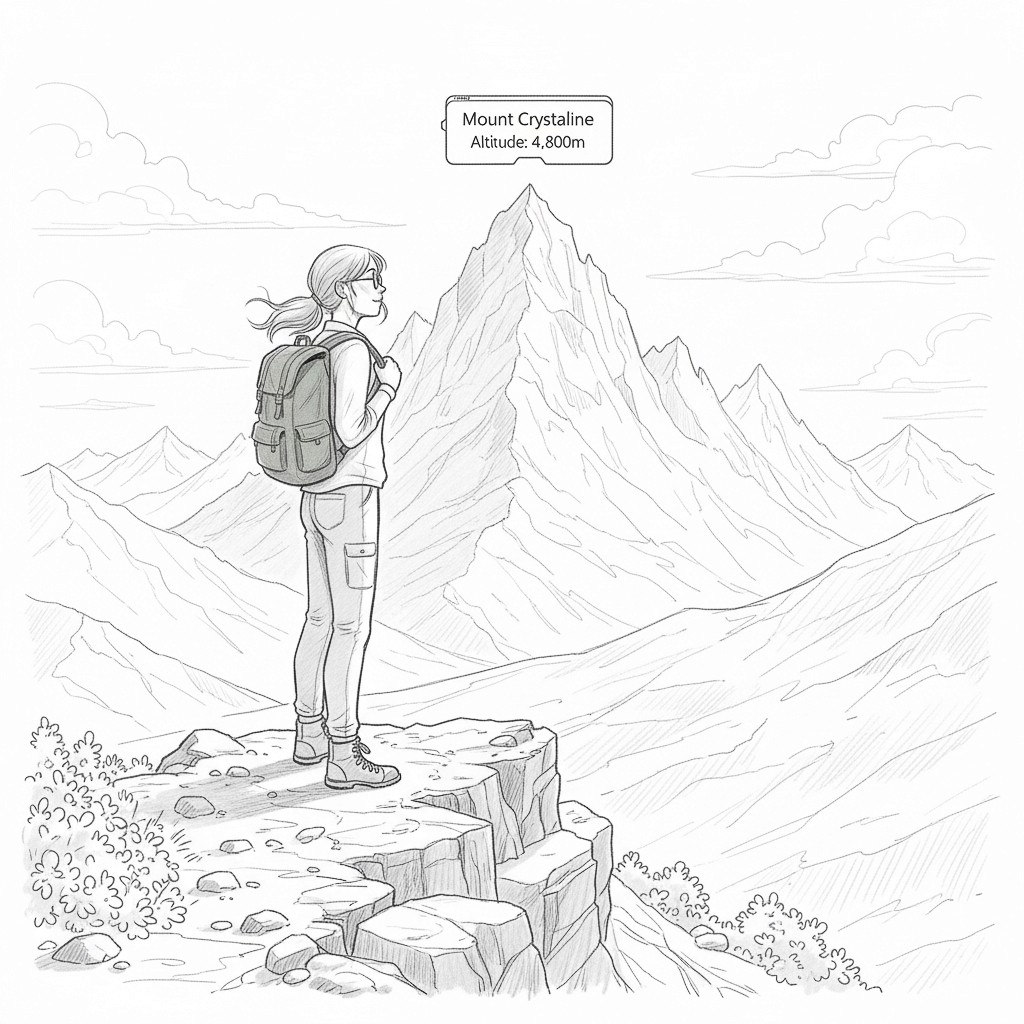
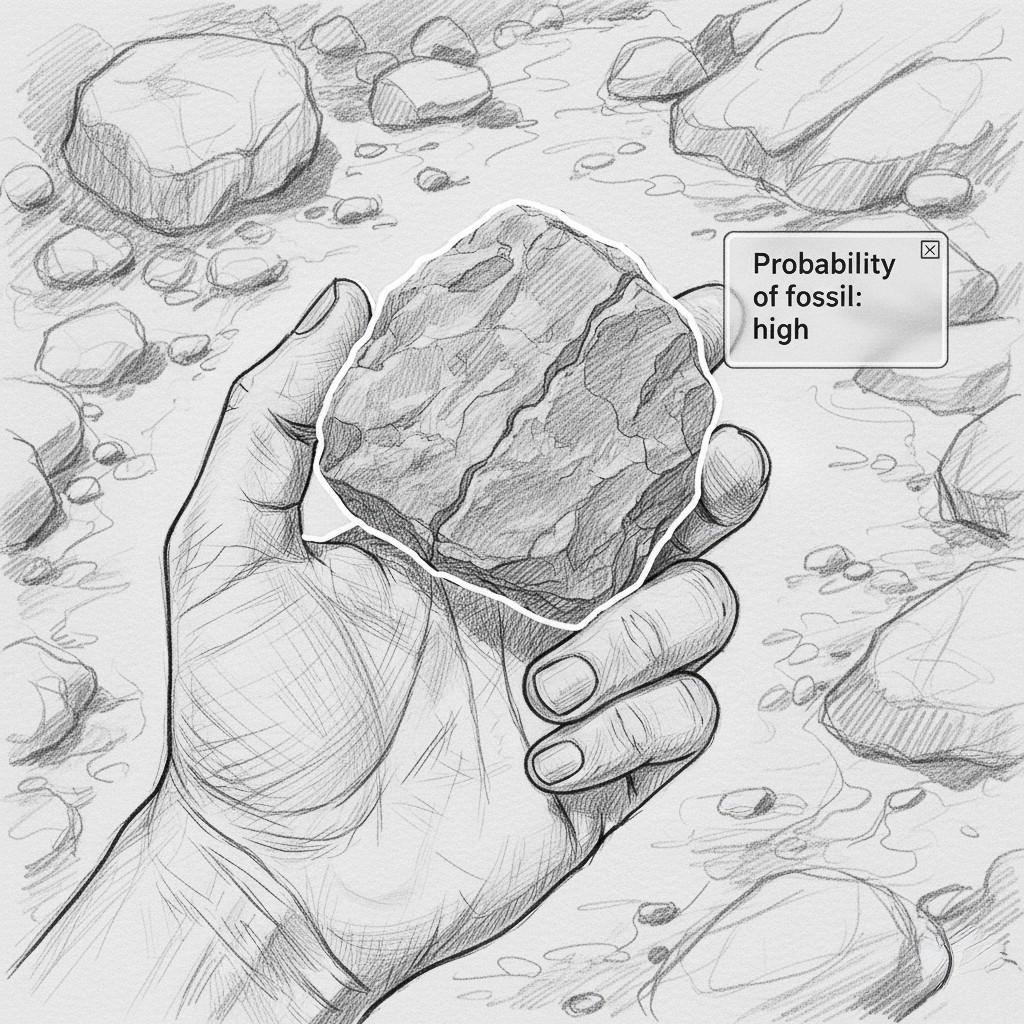
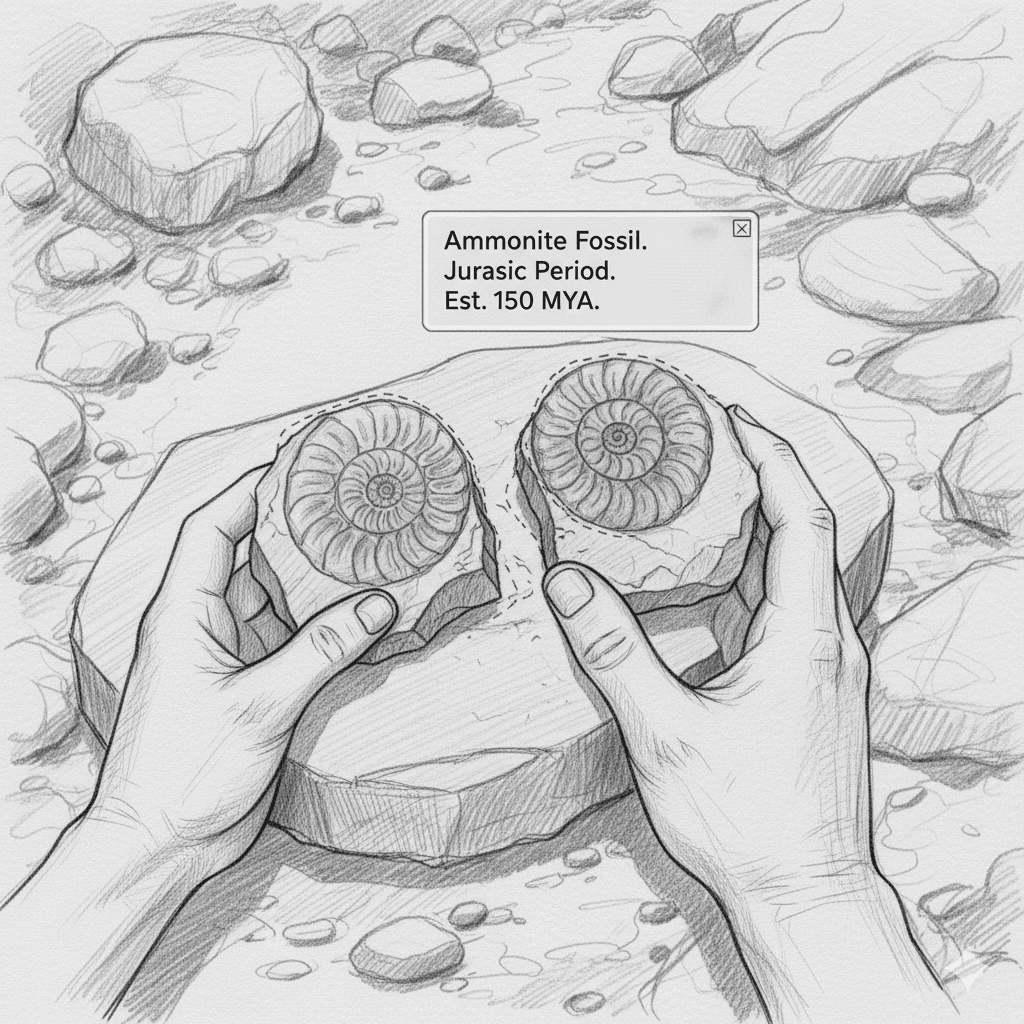
User persona
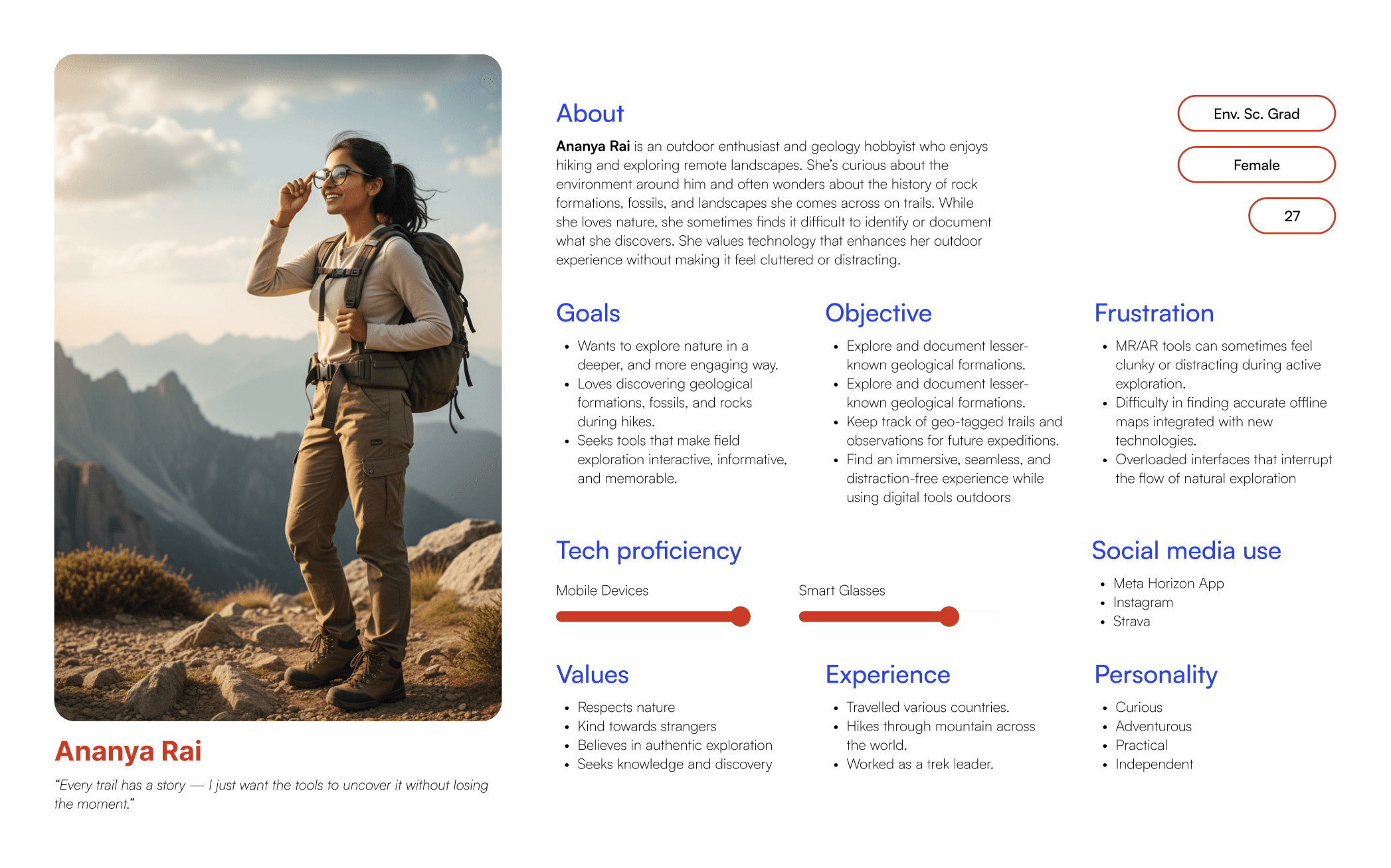
Ananya Rai
Key features & Scene selection
Millions of years ago, what is now Spiti Valley was submerged under this ancient sea, which separated the continents of Laurasia and Gondwana. The collision of the Indian and Eurasian tectonic plates led to the formation of the Himalayas, causing the Tethys Sea to disappear and leaving behind a wealth of marine fossils in the region.
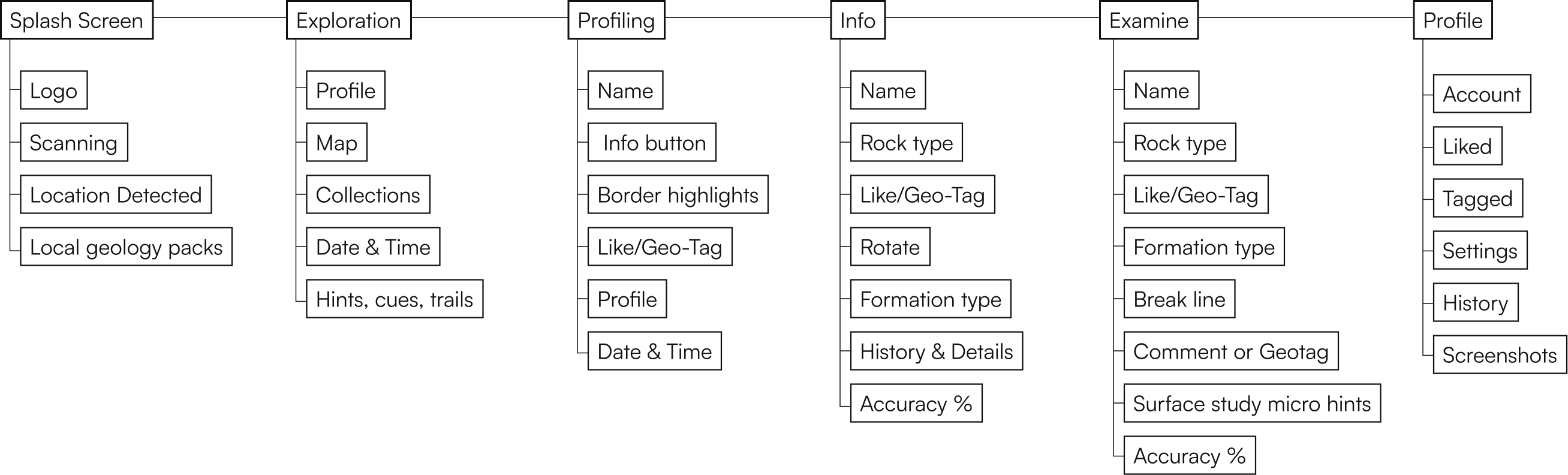
Information Architecture
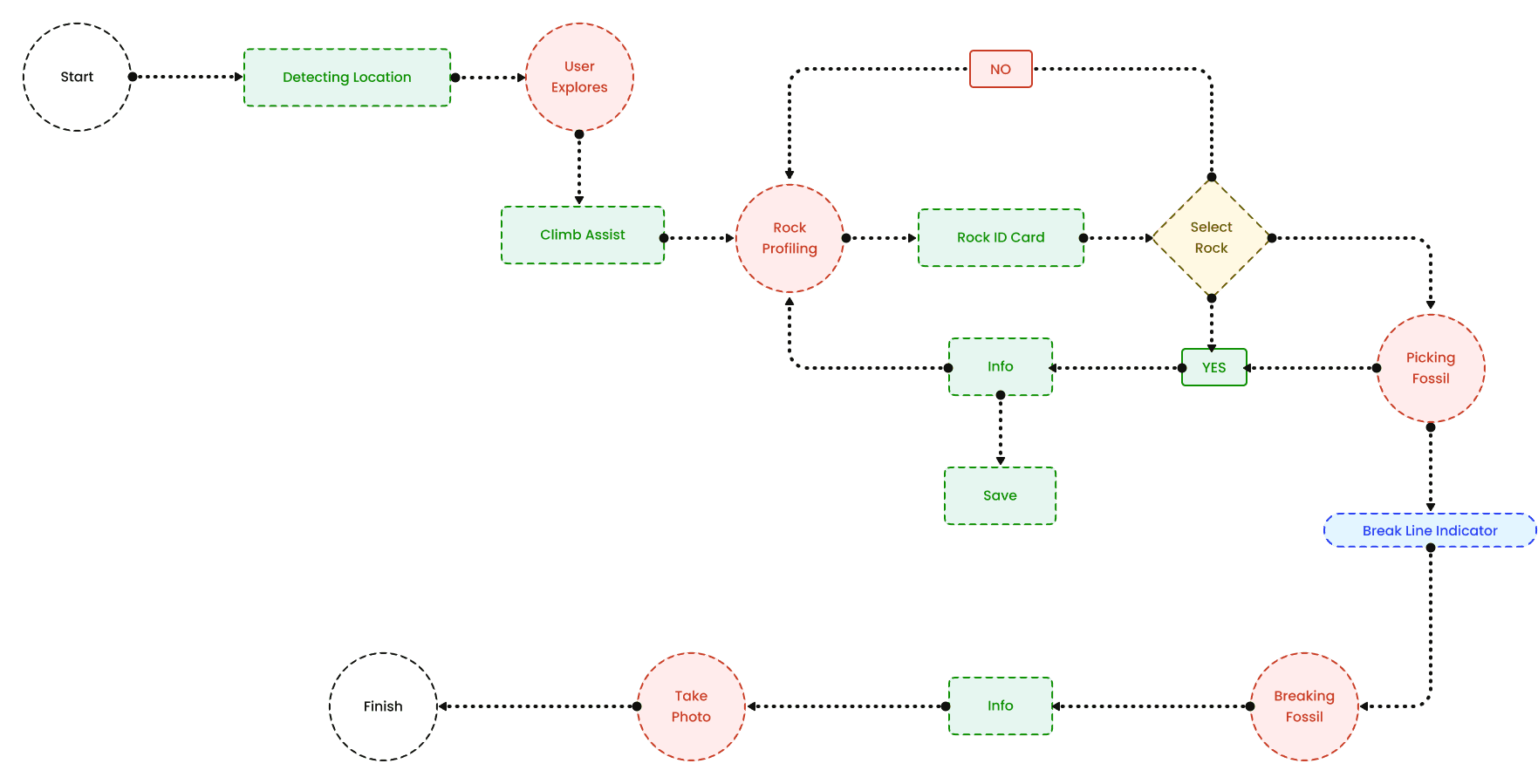
Task Flow
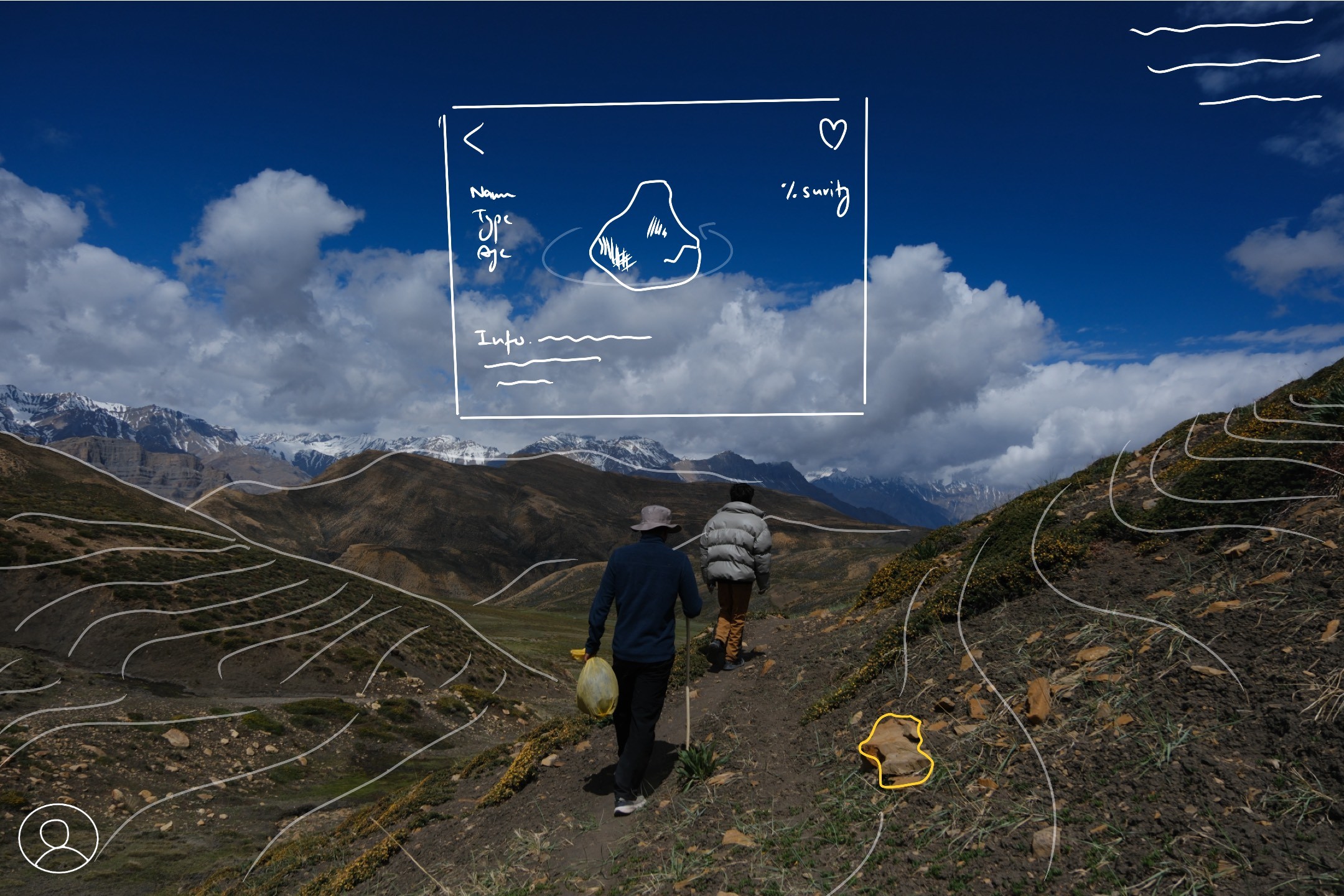
Low Fidelity Wireframing
High Fidelity Wireframing
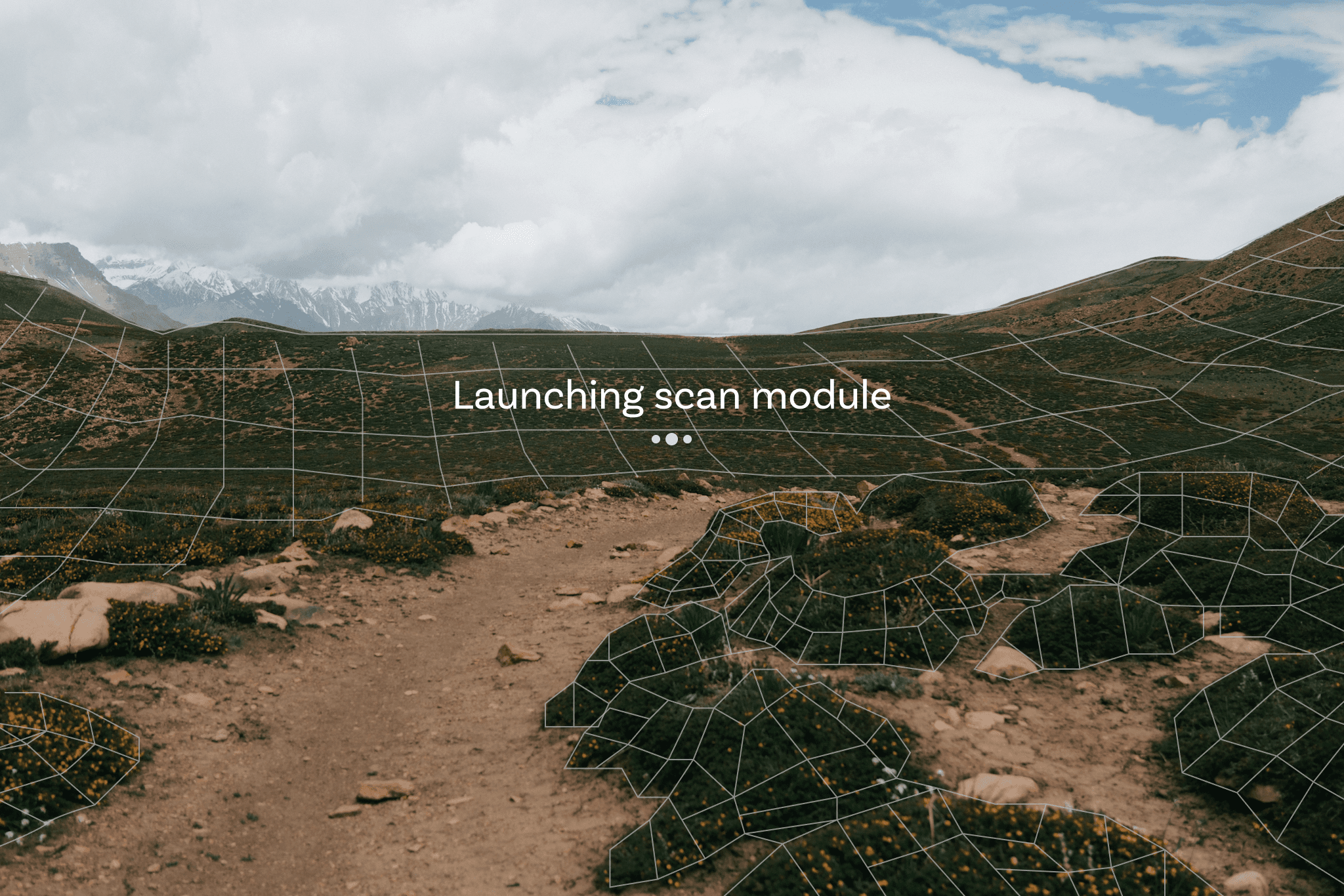
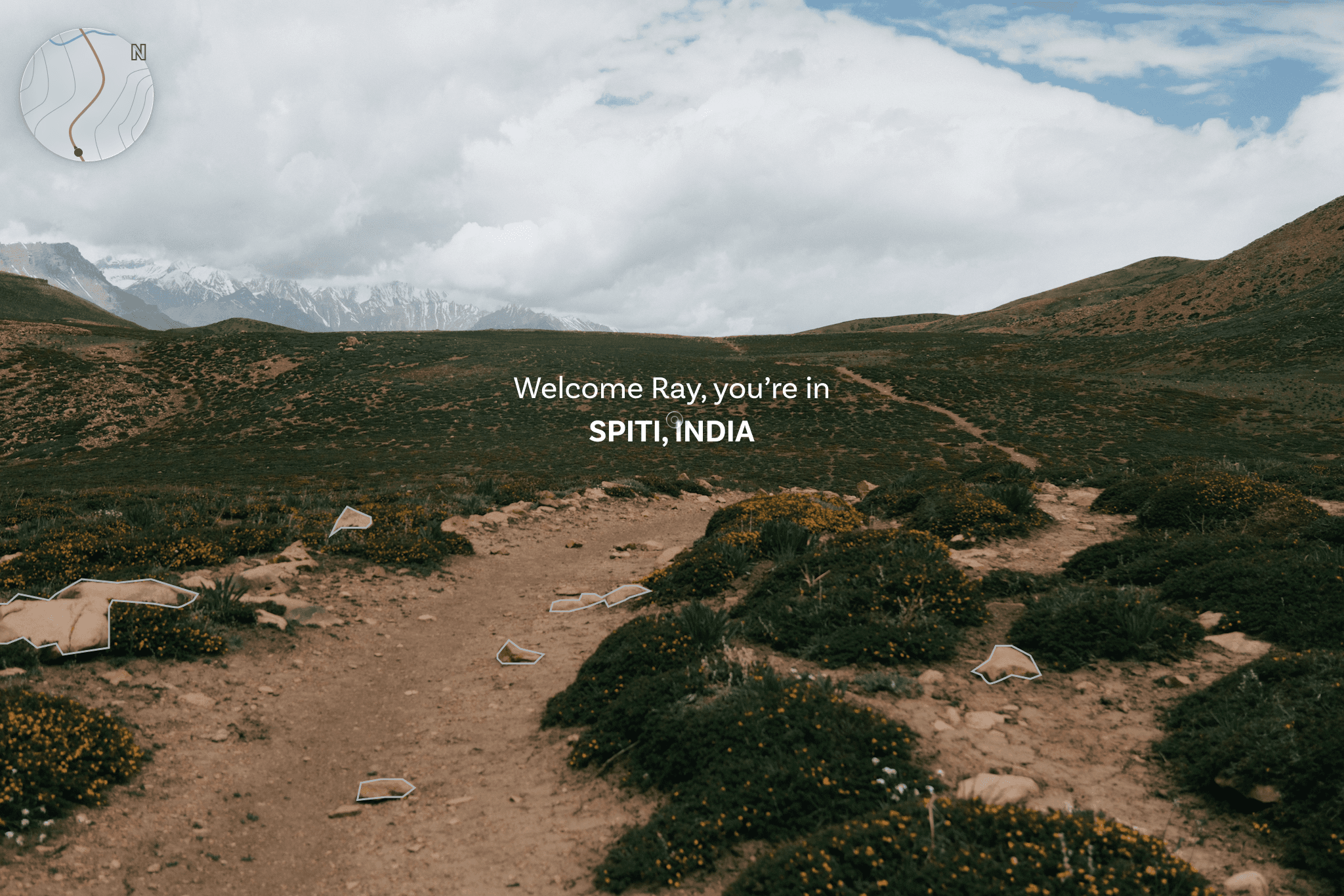
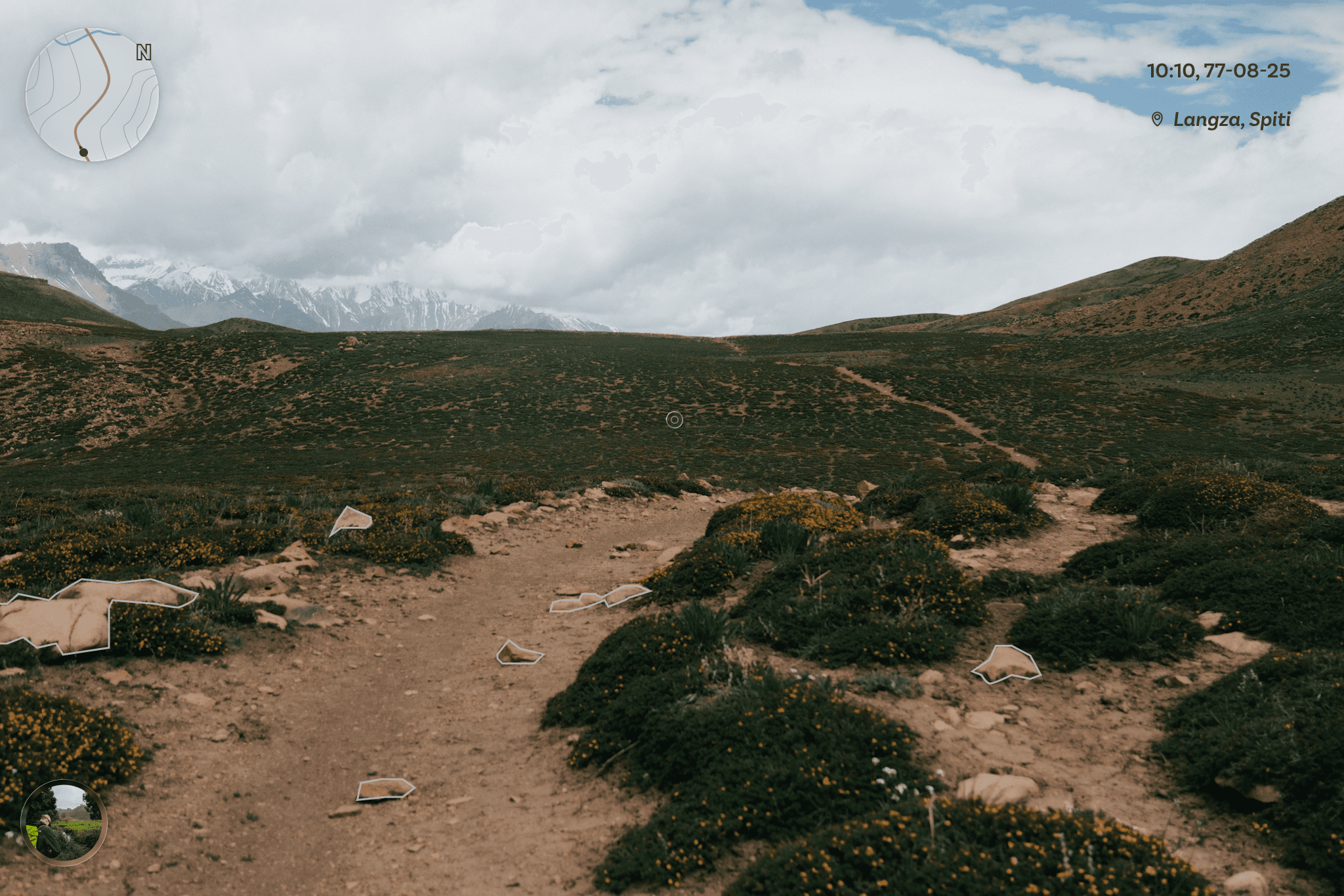
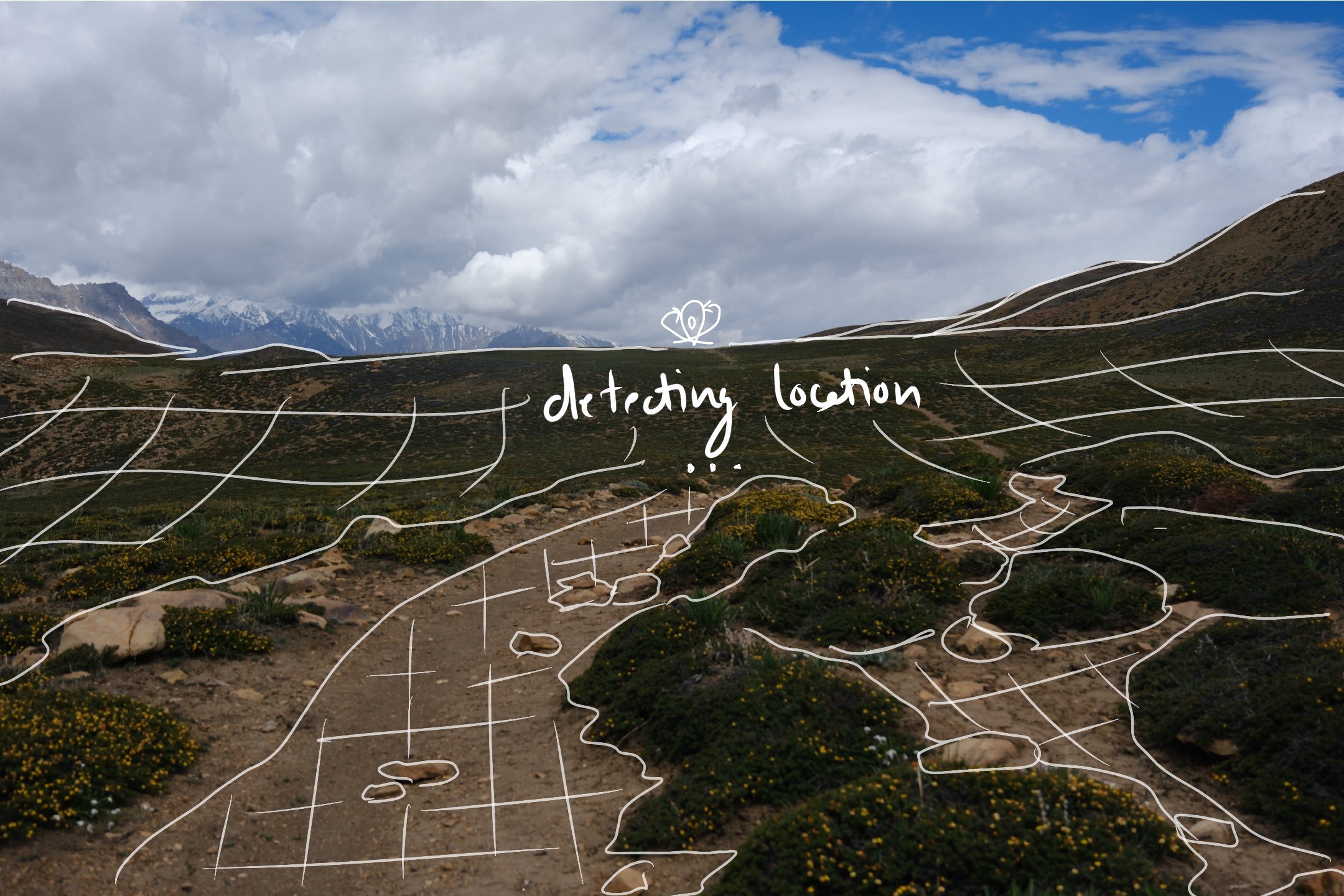
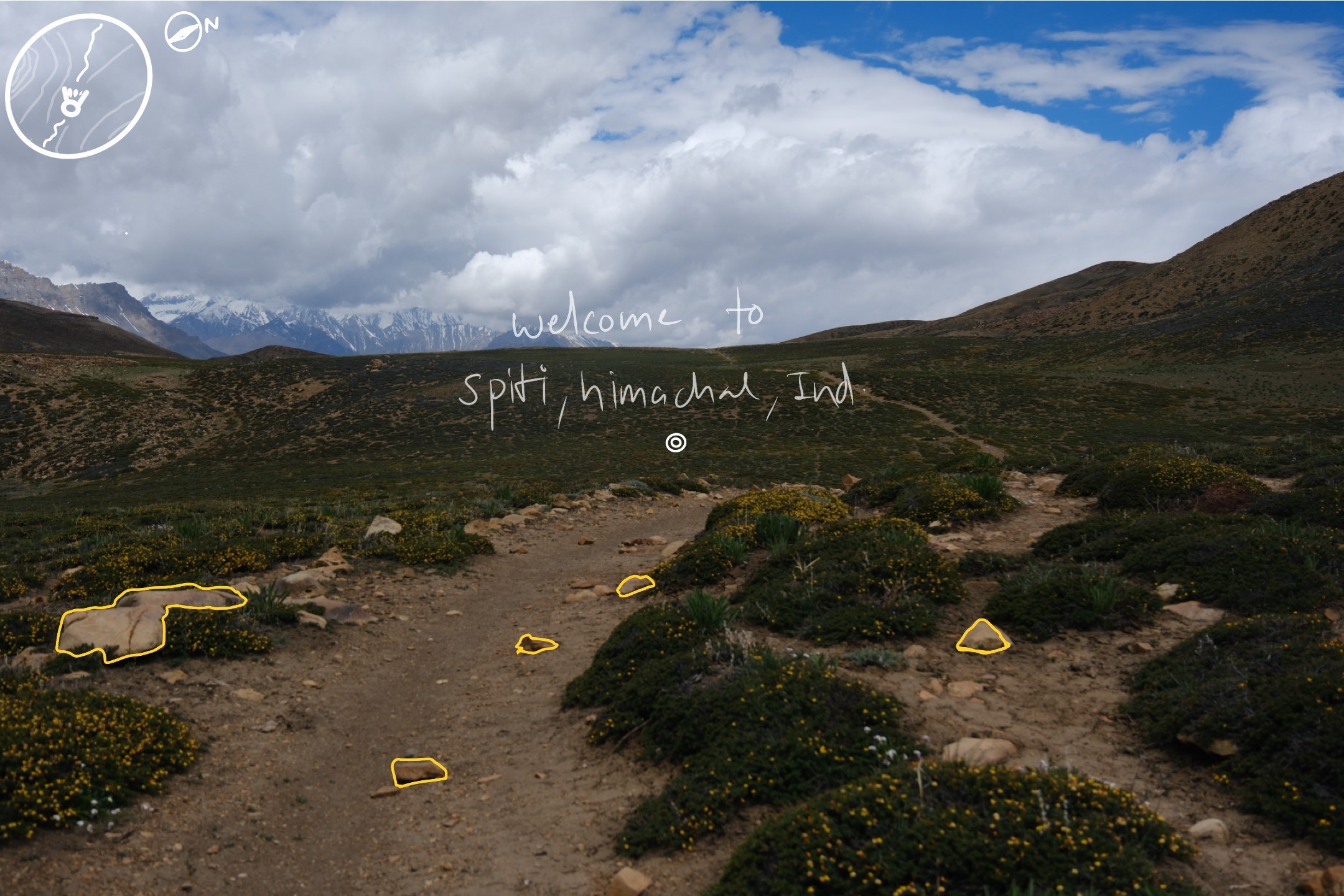
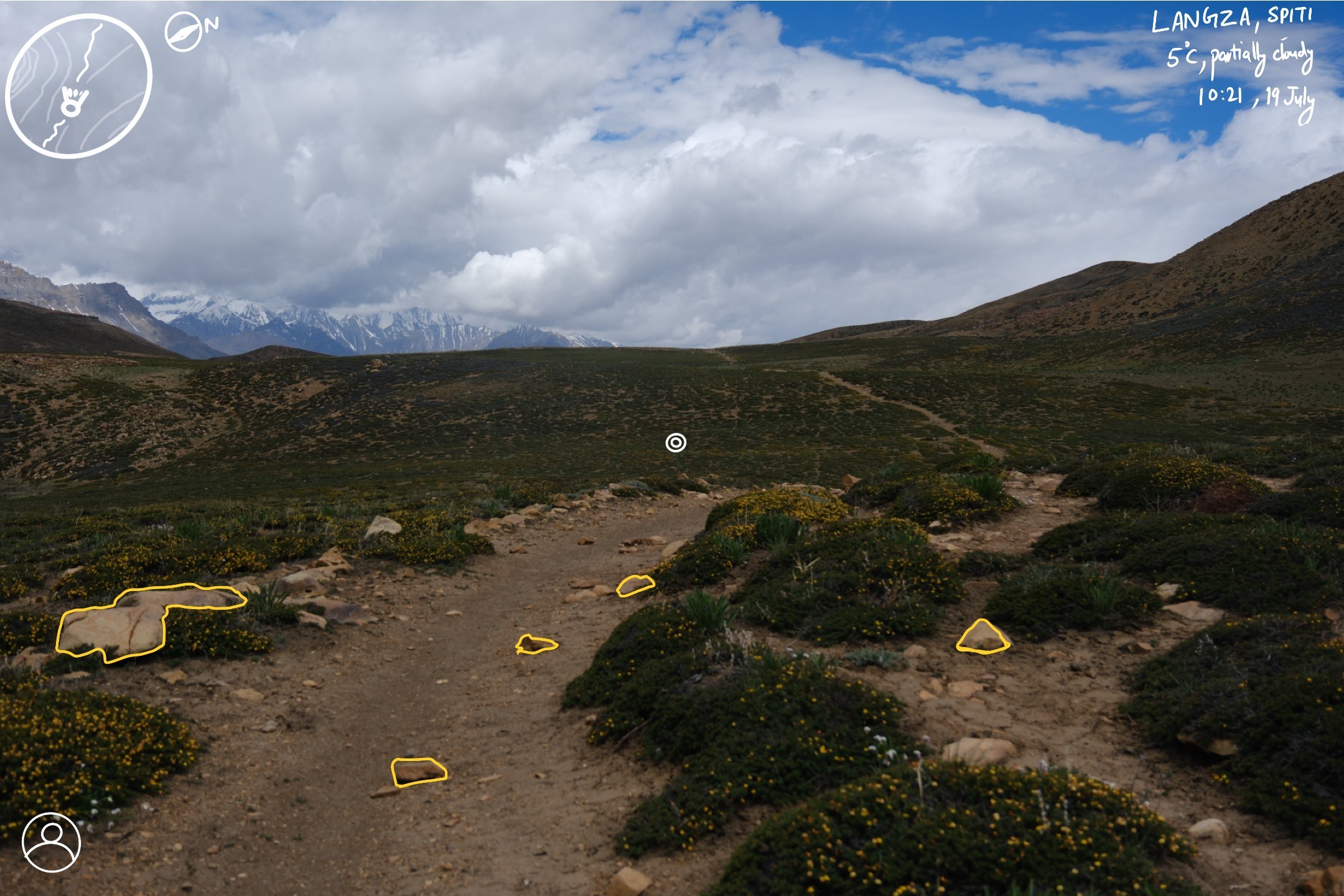
App Startup
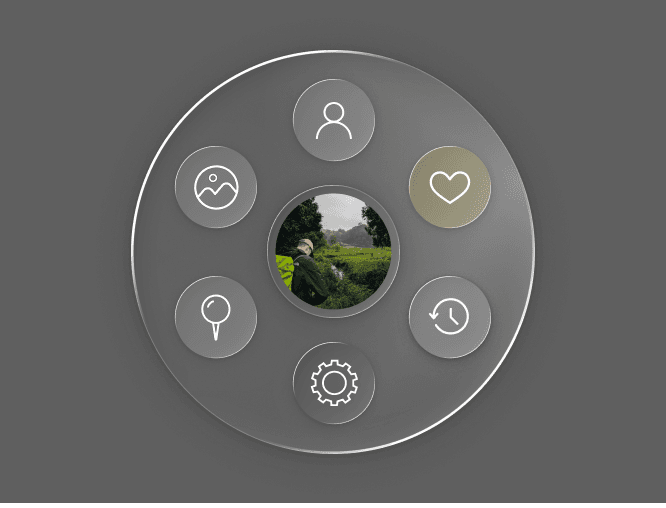
Main Menu
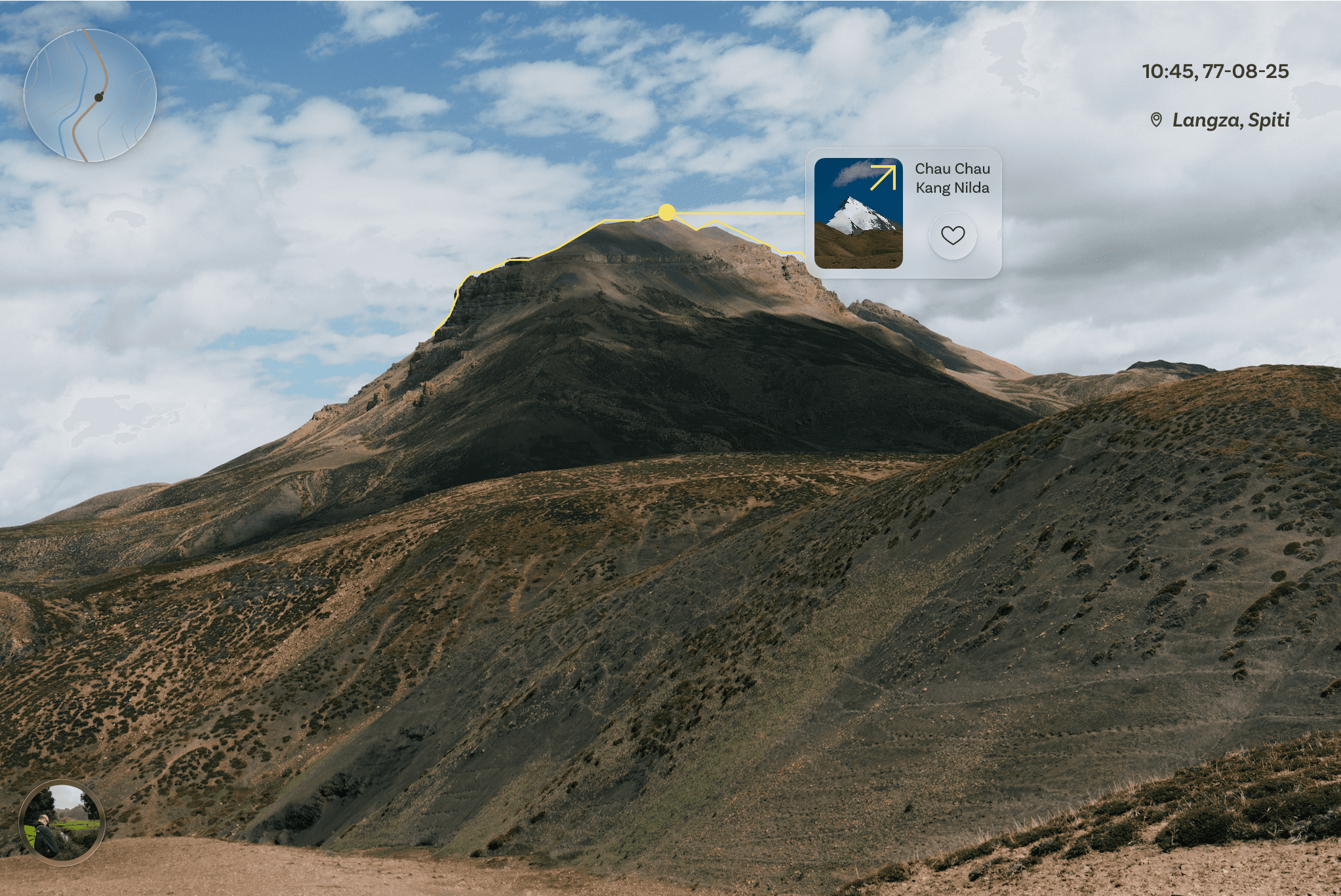
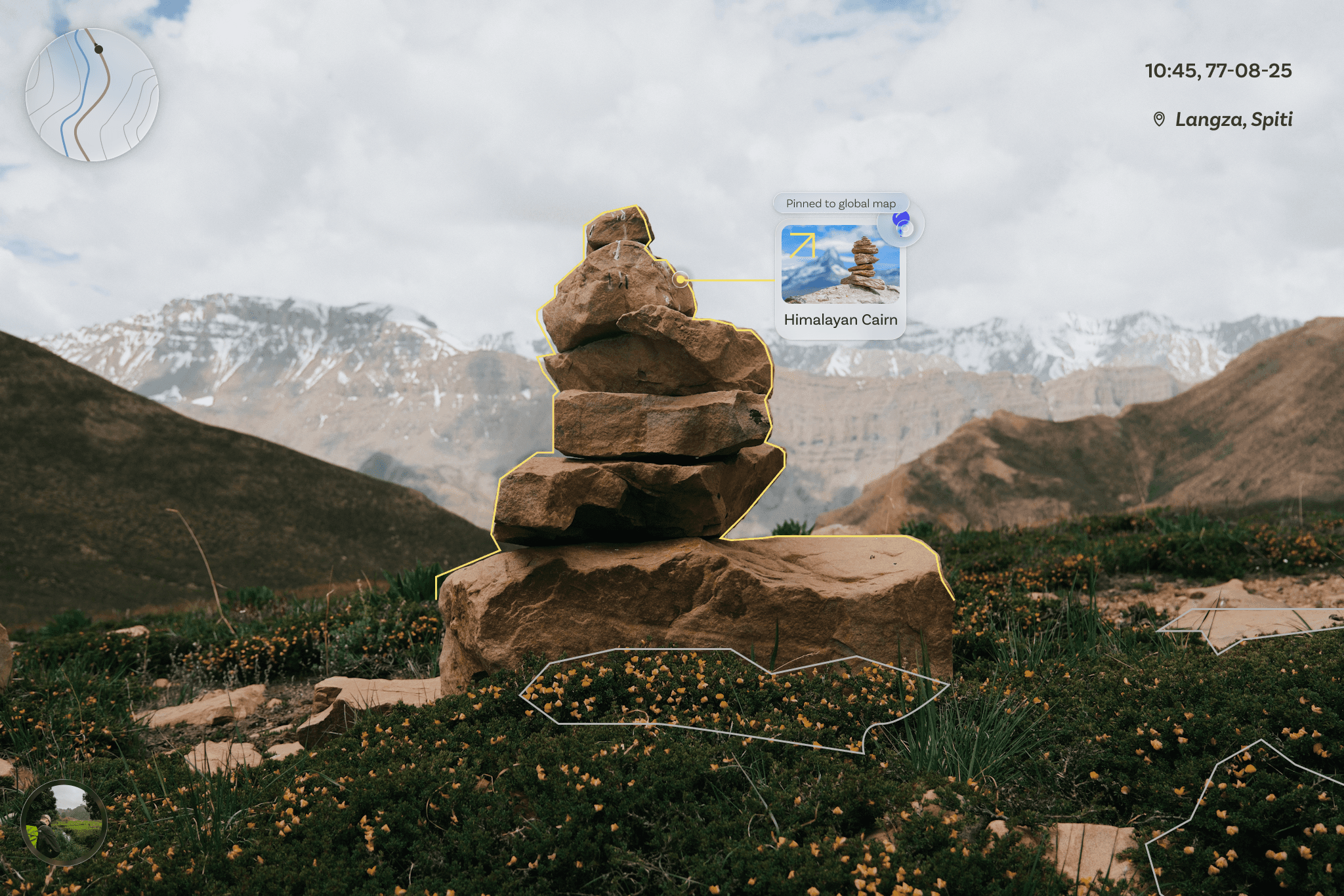
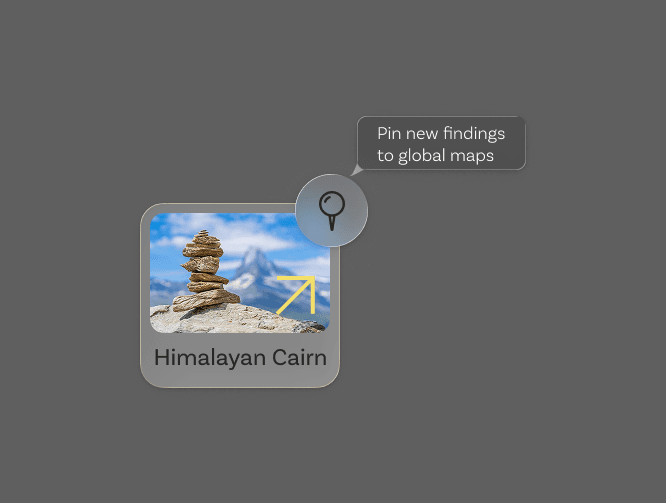
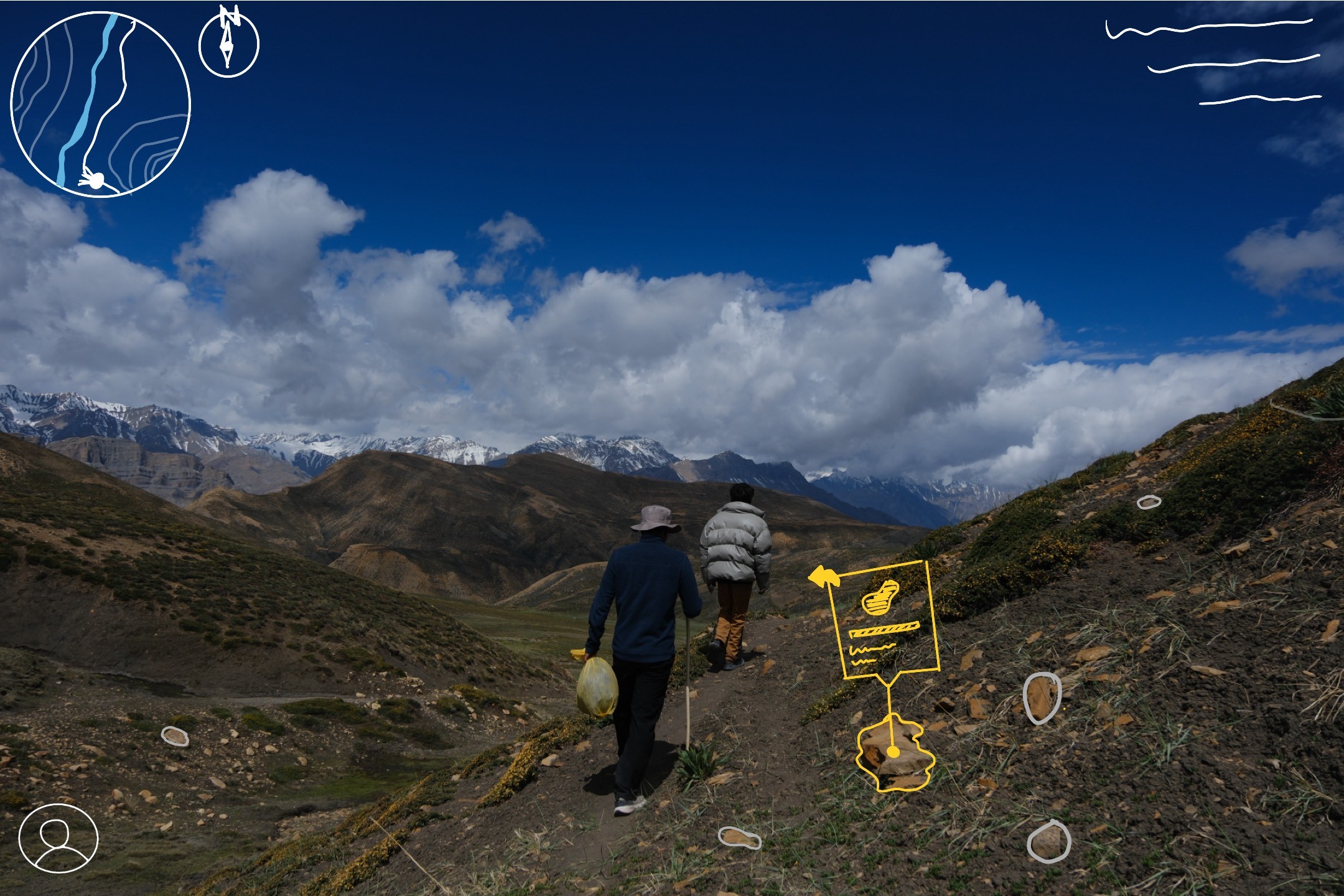
Mt. Peak Recognition & Geo-Tagging
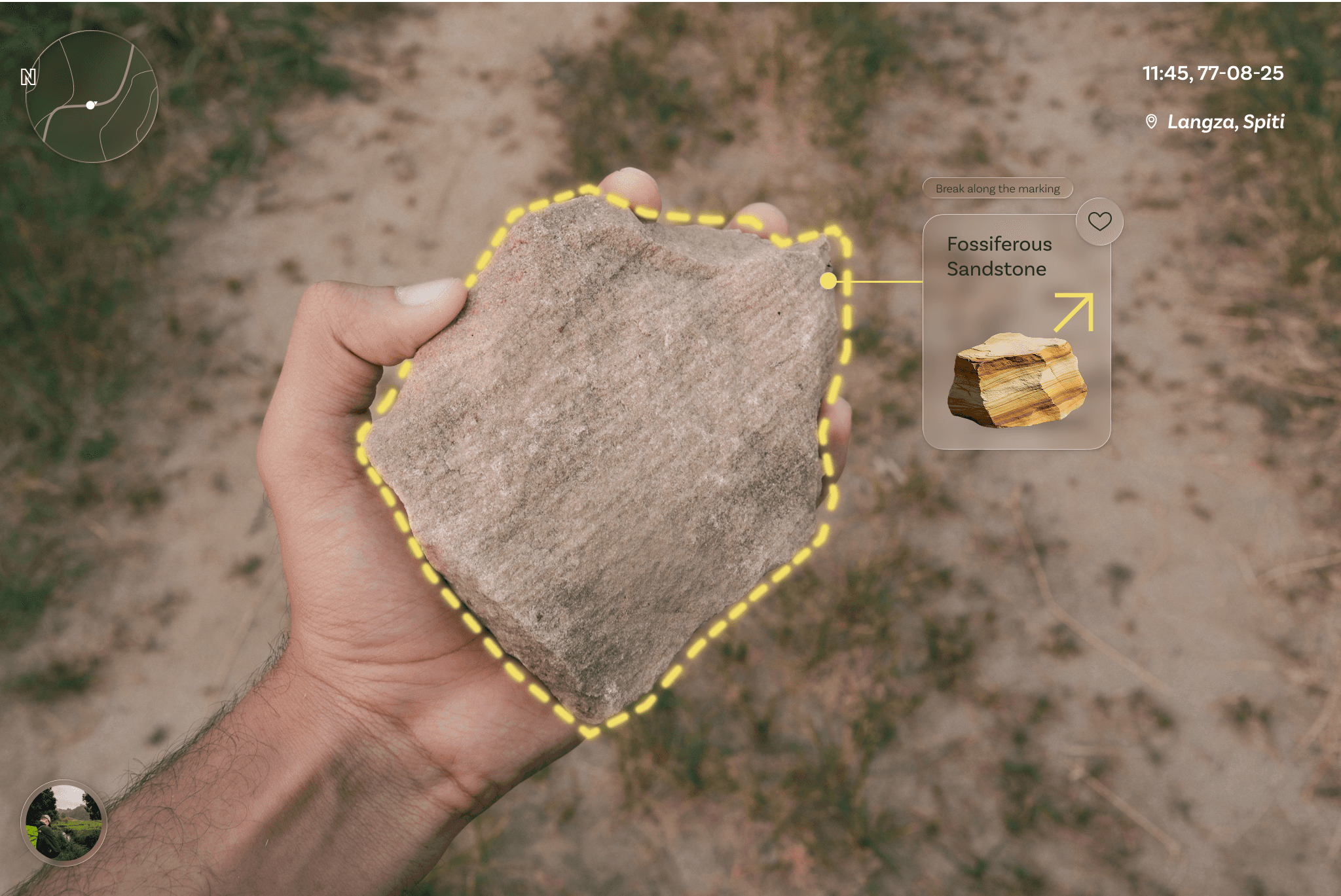
Fossil Discovery
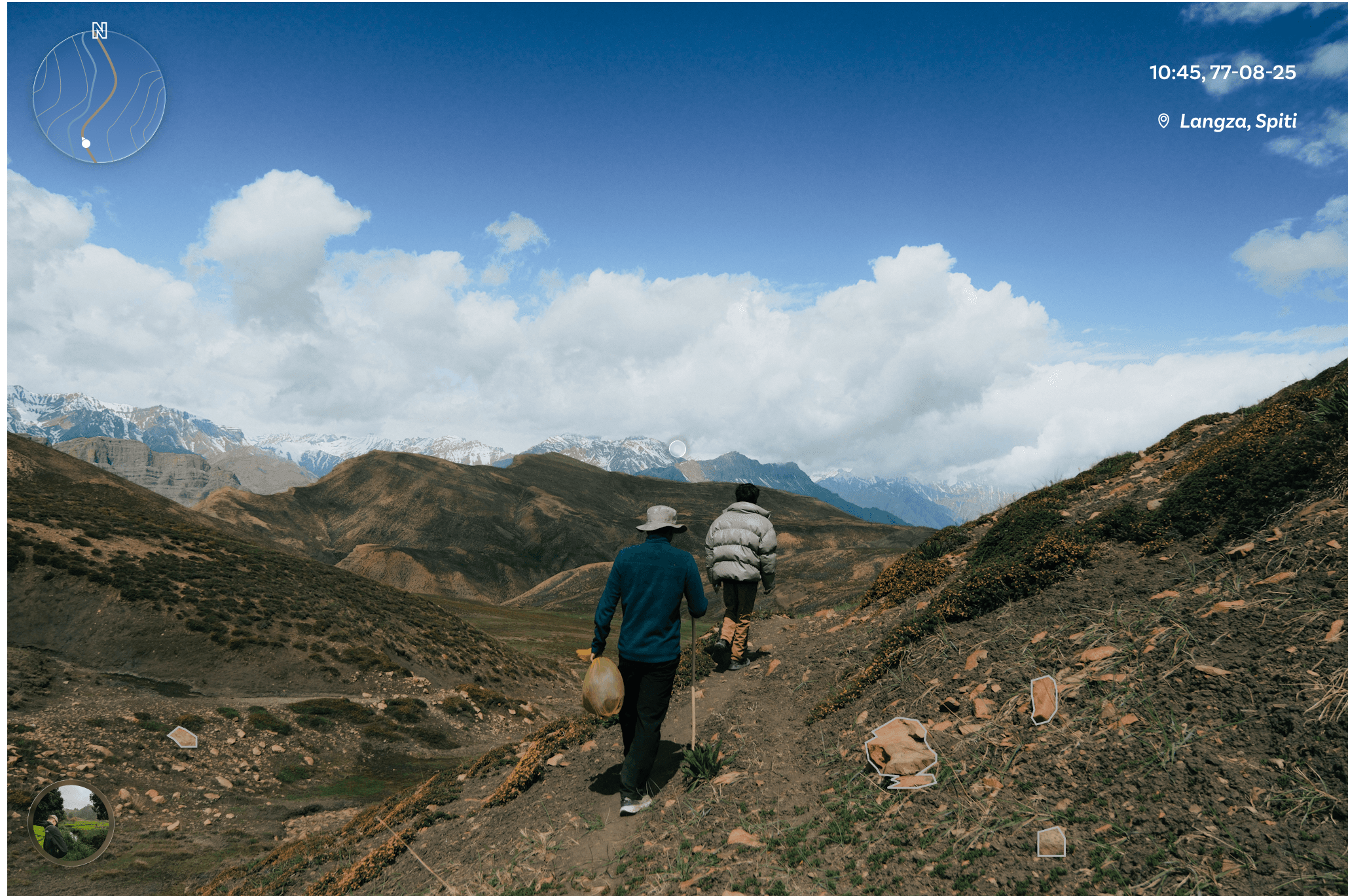
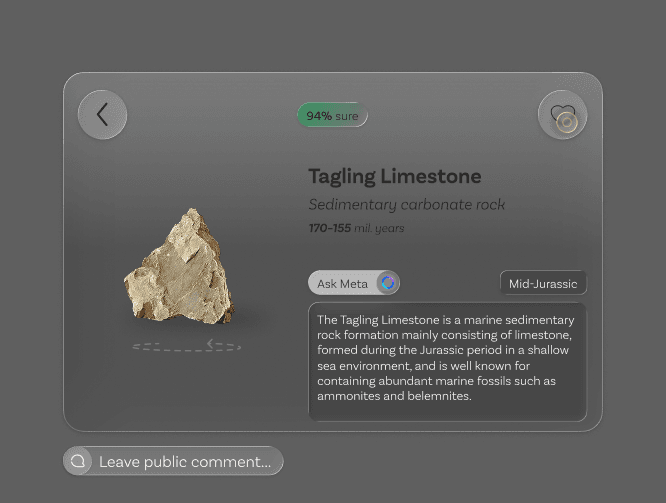
Rock Profiling
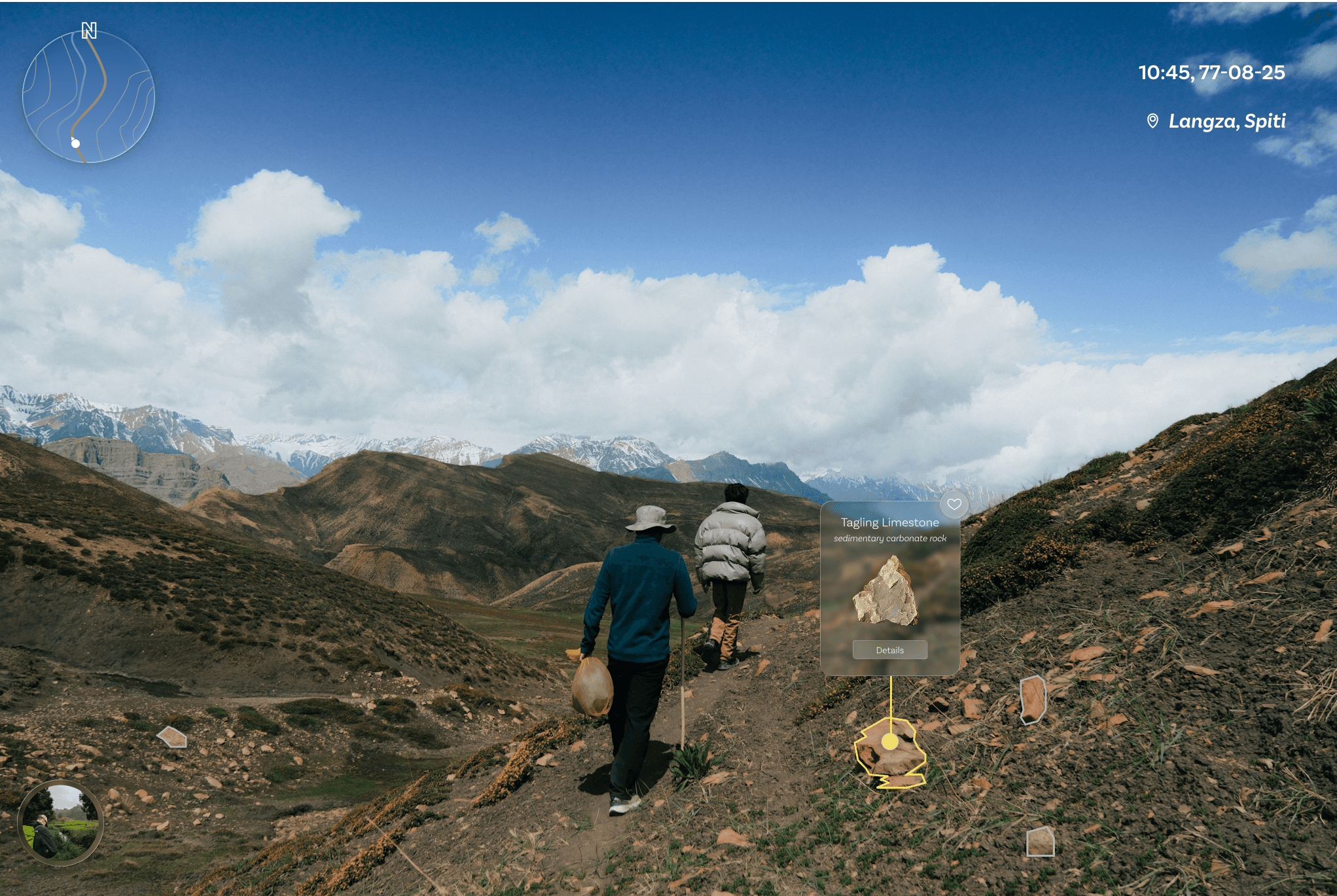
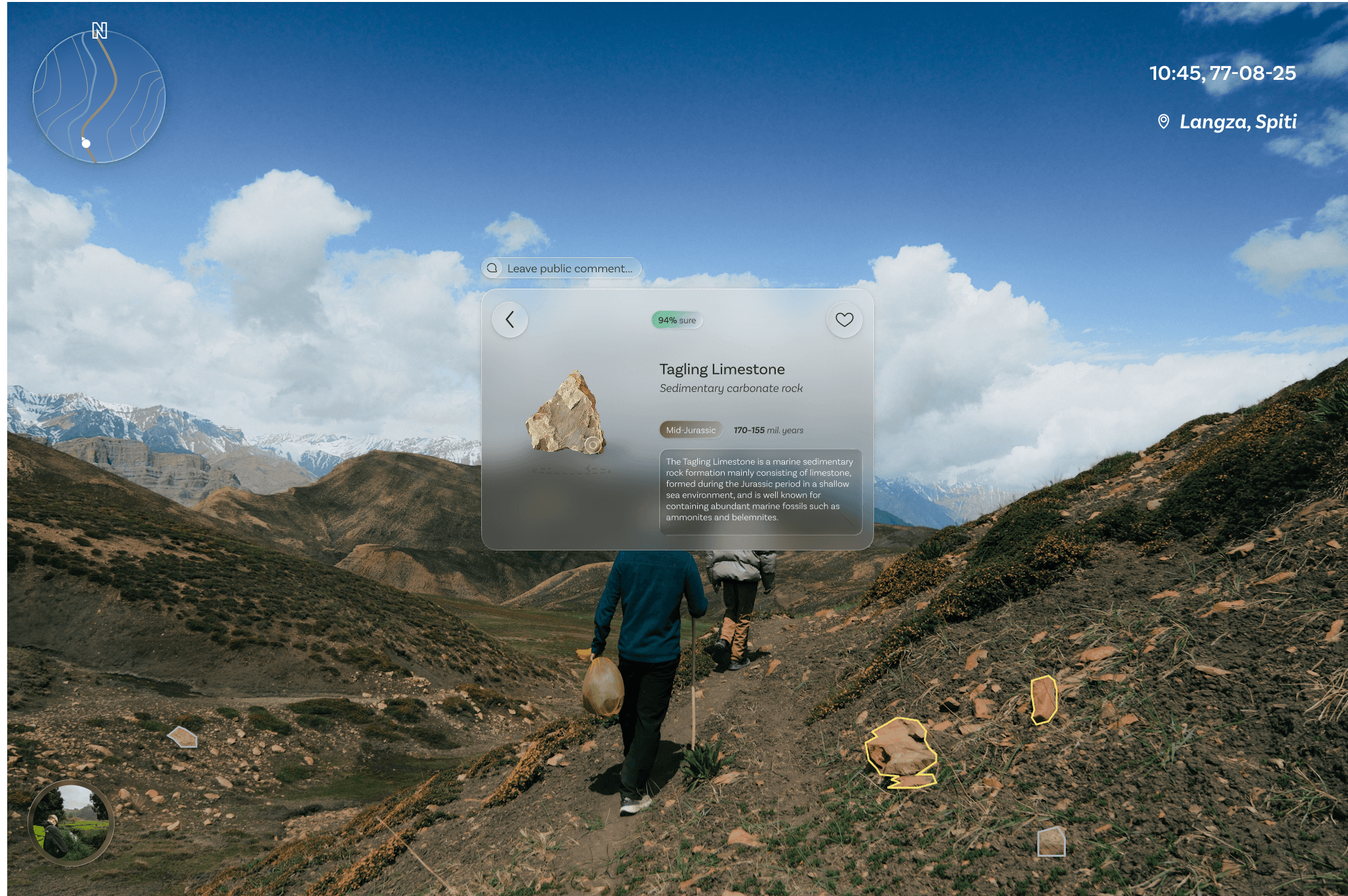
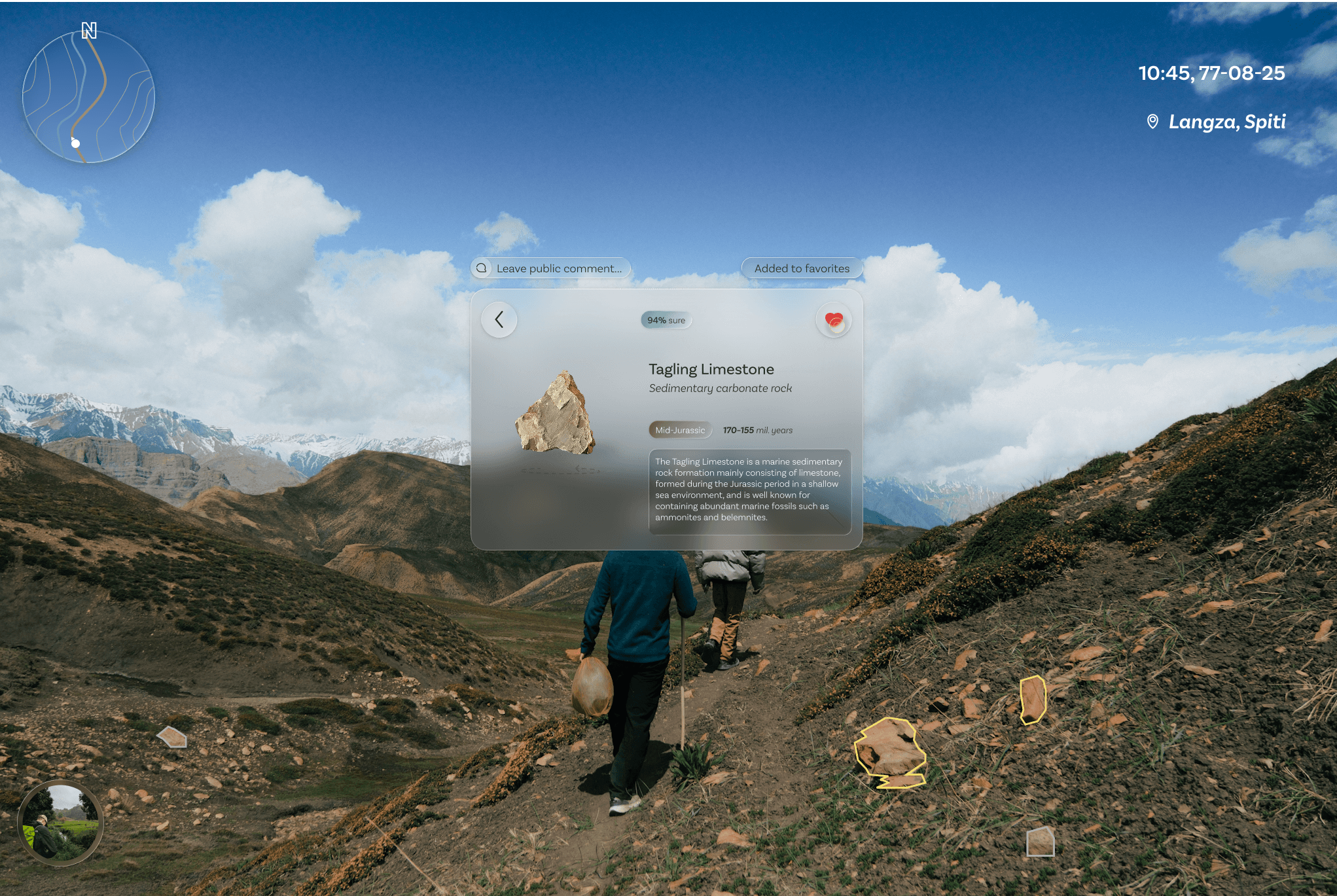
Info & Saving
Heuristics Evaluation
A heuristic evaluation was conducted using the Nielsen/Norman model, where the UI prototype was reviewed by three designers. They assessed the user journey and overall experience, provided recommendations, and assigned severity ratings for each identified heuristic issue.
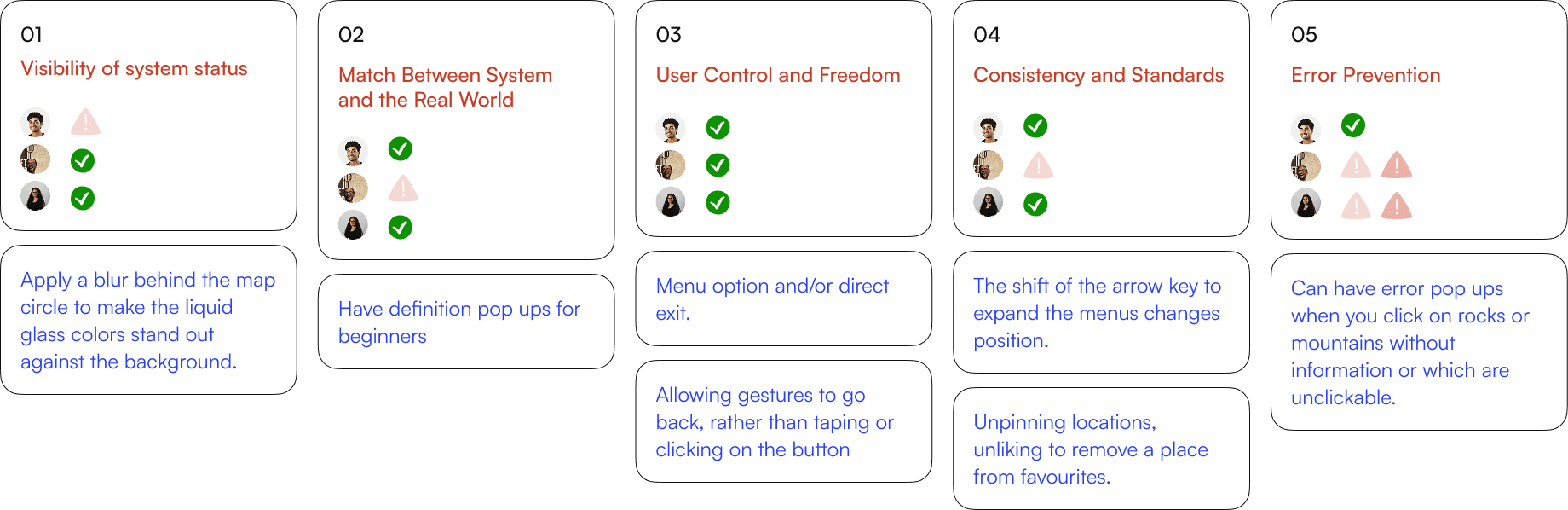
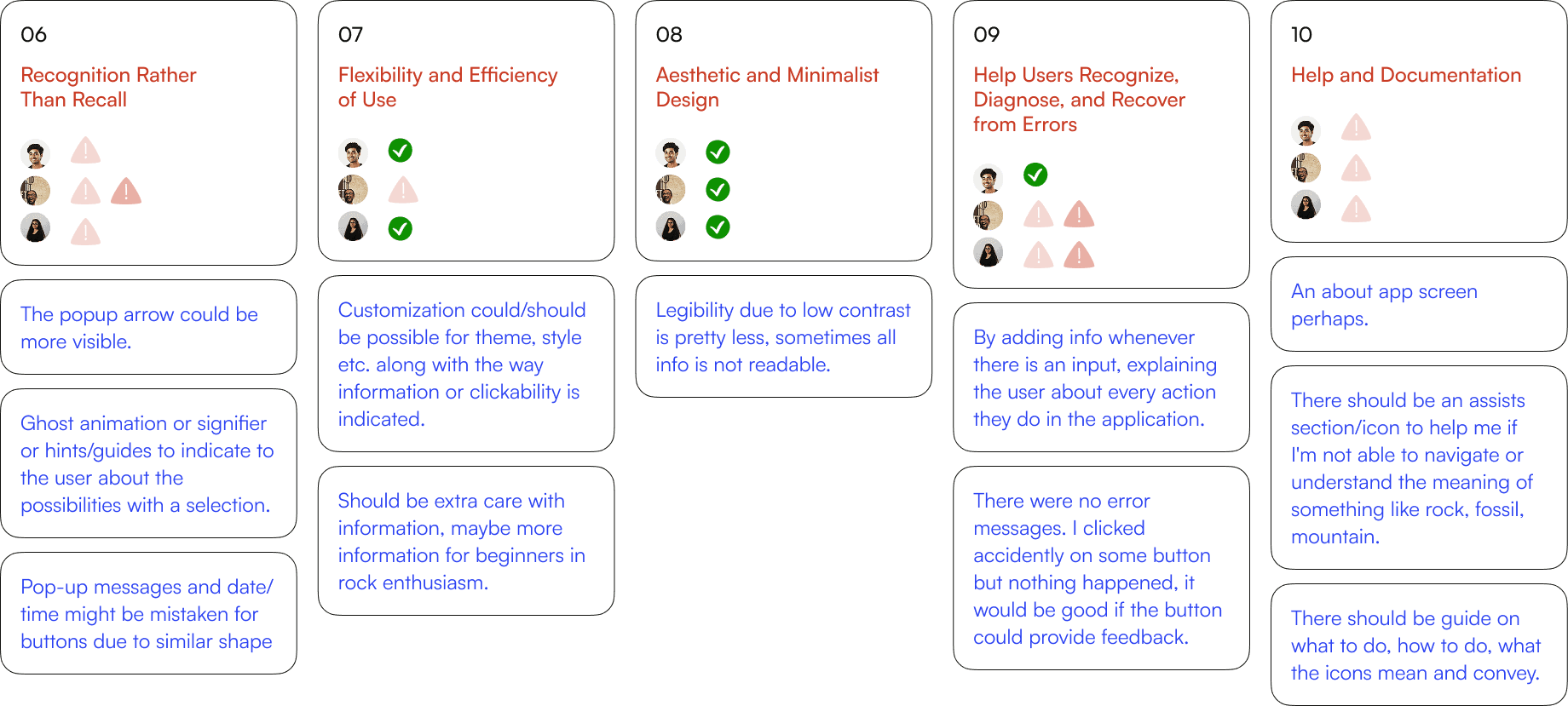








Heuristic based improvements
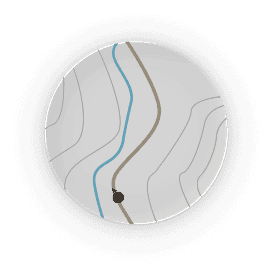


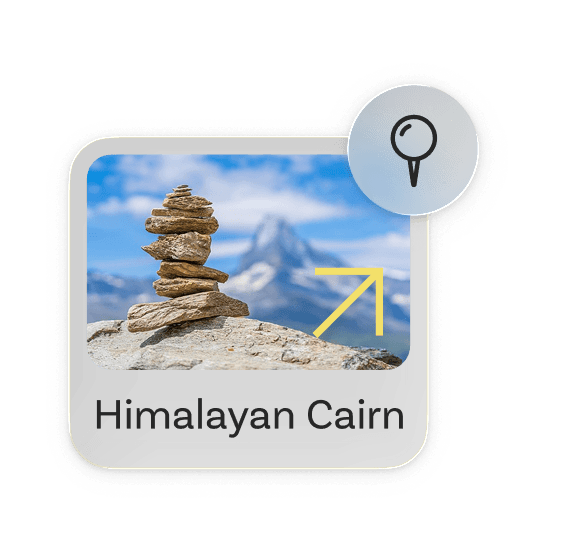
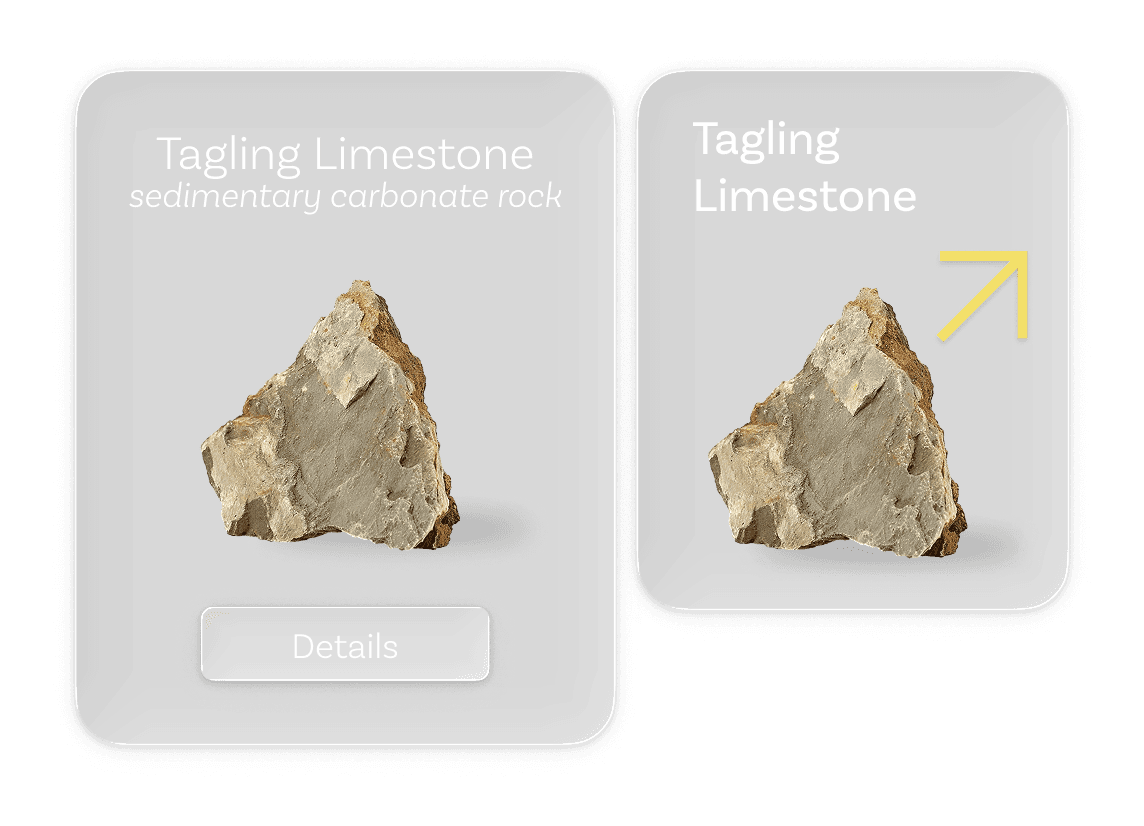
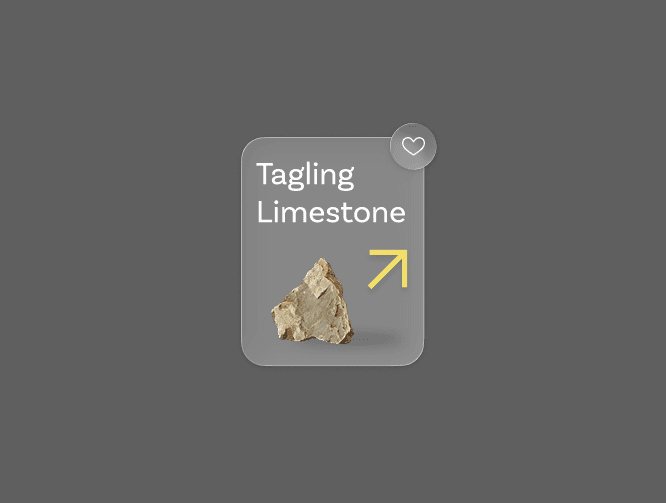
The rock ID card was redesigned to be lesser in size.
The entire frame was made clickable instead of a specific button, keeping in mind the cognitive load on the users.
An arrow icon was introduced to afford action.
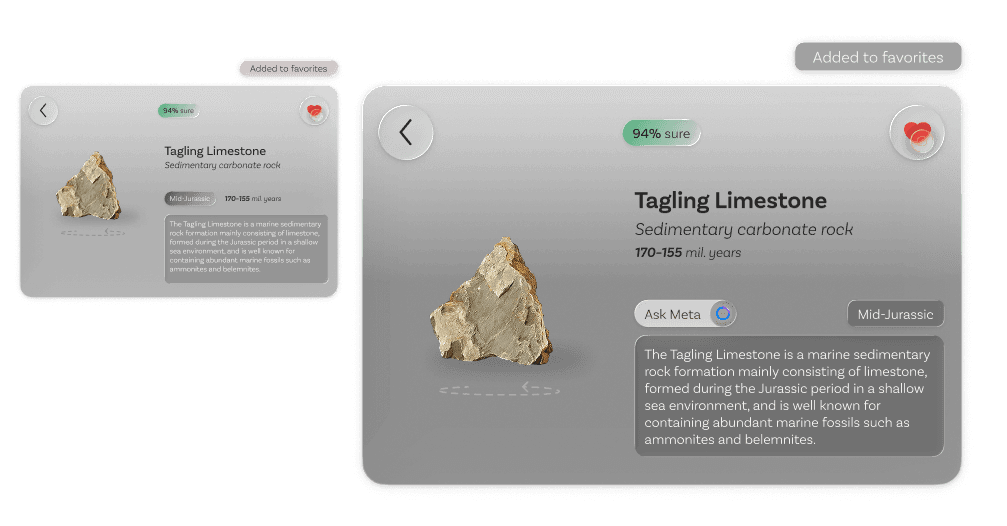
Darkened background to increase contrast.
Added a button to wikipedia for detailed information.
Reorganized information based on priority.
Post study questionnaire
After using the prototype, participants completed a short questionnaire where they rated their experience on a 5-point Likert scale (1 = Strongly Disagree, 5 = Strongly Agree). The questions covered ease of use, comfort, navigation, and overall satisfaction.




Which feature felt most useful to you, and why?
The info about the famous mountain peaks and cultural aspects like piling of stones.
That it tells amateurs the possibility of a rock being a fossil if they luckily stumble upon one.
The pinning and liking of locations.
Was there any feature you expected but didn’t find in the app?
Finding like minded people through the app.
Gamification, like achievements and statistics.
The same concept for plants could be done as well.
Questionnaire based improvements
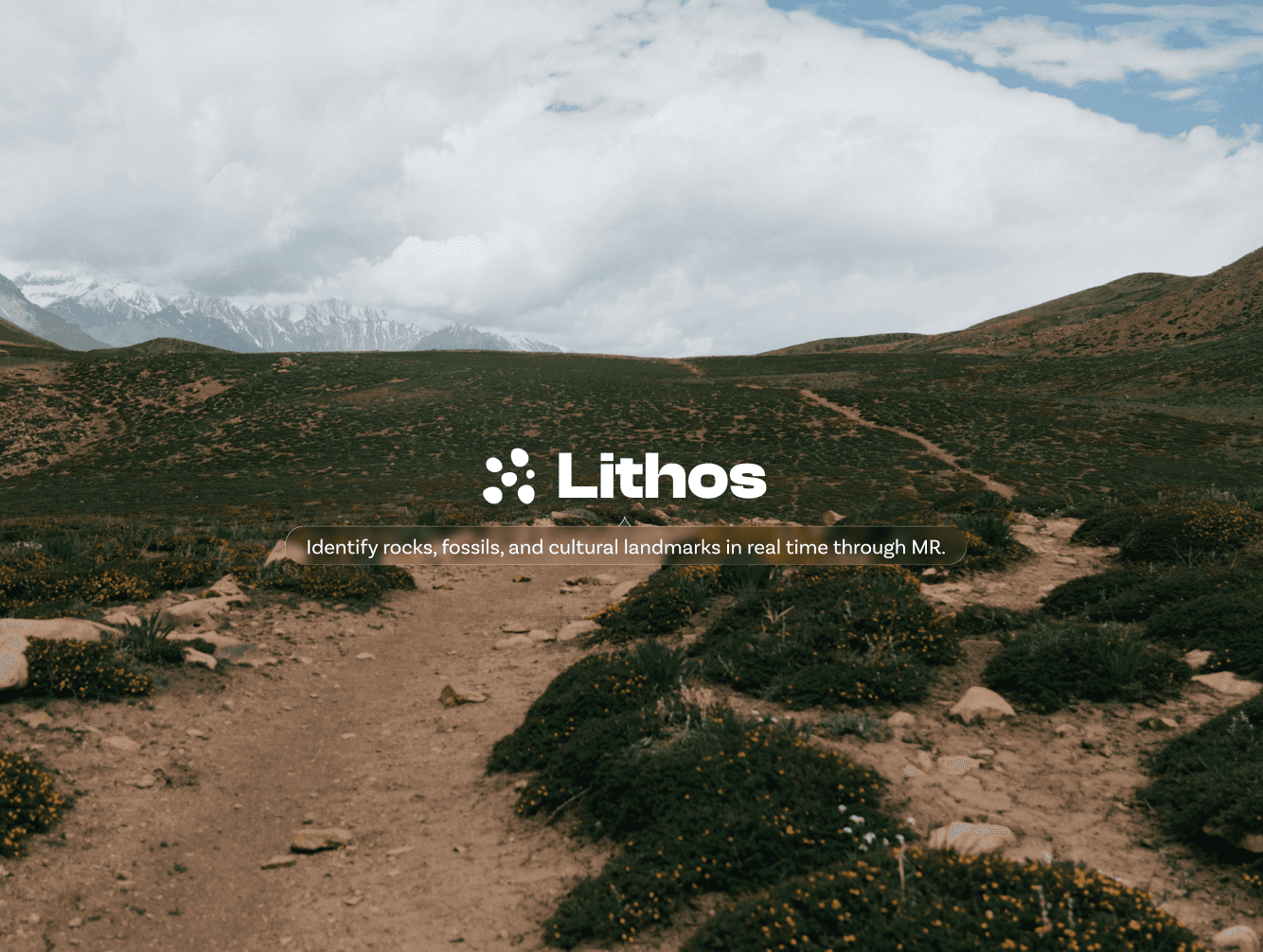
Progressive Disclosure helps users gradually become familiar with the application. For first-time users, a brief message introduces the primary purpose of the app.
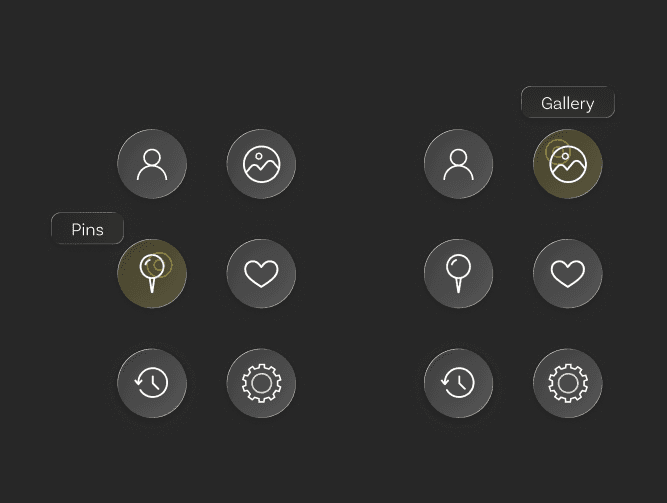
As part of Guided Onboarding, Scaffolding is applied—users receive tooltips and contextual cues, like title hovers over icons, which are reduced over time as they gain confidence and experience.
Final UI elements